The first-time learner
You want to understand programming without installing a local toolchain or sorting through several folders first.
Start with a short script, run it, change one line, and observe what changed.
replit pythonSTART WITH CONFIDENCE
Starting to code can feel like facing a blank screen, unfamiliar files, and errors you do not yet know how to interpret. Replit for beginners makes the first steps more approachable by keeping the workspace, code, and output close together.
Choose the path that matches your first goal, then keep the project small enough to understand from beginning to end.
A useful first project has a visible result, a short feedback loop, and one concept you can explain after it works.
You want to understand programming without installing a local toolchain or sorting through several folders first.
Start with a short script, run it, change one line, and observe what changed.
replit pythonYou learn faster when a lesson produces something tangible, such as a quiz, calculator, or text adventure.
Build one feature at a time and connect each new concept to a visible behavior.
replit free for studentsYou want to see a page in the browser rather than study isolated syntax examples.
Create a simple page, edit the text and styles, then use the preview to check each change.
replit javascriptYou have an idea for a small utility but need structure before adding features.
Describe the smallest useful version, test it with sample input, and keep a short list of next changes.
how to use replitUse the same short loop for almost any first project: make a small change, run it, and explain the result in your own words.
Pick a project that can work with a few inputs and one clear result. A greeting generator, number quiz, or habit list is enough for a first session.
Create only the first working path. Read the output, compare it with your intention, and change one thing at a time instead of rewriting everything.
When the result works, identify the variables, conditions, functions, or elements involved. Add one improvement only after you can describe the current version.
This simple comparison helps beginners choose a project shape that is easy to test and easy to explain.
Best first result
Small script
A message, calculation, list, or menu in the output area.
Small web page
A page with text, basic styling, and one visible interaction.
Useful starting language
Small script
Python is often readable for first programming exercises.
Small web page
HTML and CSS create the page; JavaScript adds behavior.
Feedback loop
Small script
Run the script and compare the printed result with your expectation.
Small web page
Preview the page and check the result after each small edit.
Good first project
Small script
Quiz, calculator, habit tracker, or text adventure.
Small web page
Personal profile, event card, or simple interactive form.
Common beginner lesson
Small script
Variables, conditions, loops, functions, and input.
Small web page
Elements, selectors, styles, events, and browser behavior.
When to expand
Small script
After the core path works with a few test values.
Small web page
After the page remains understandable on different content.
These are useful checkpoints for a learning session, not promises about platform performance or a required curriculum.
The difference between a confusing first attempt and a useful learning exercise is usually scope: one clear output is easier to inspect than a large unfinished app.
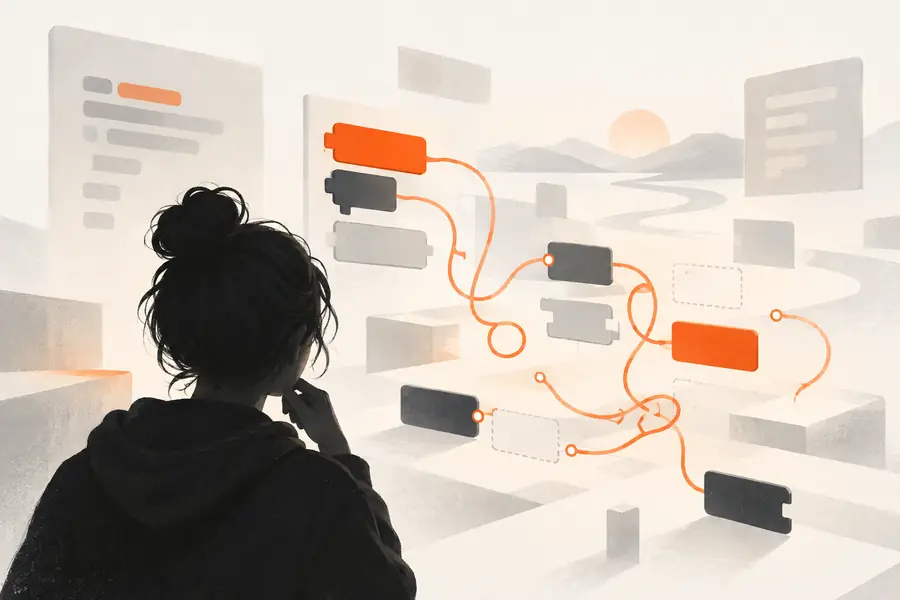 Too much at once
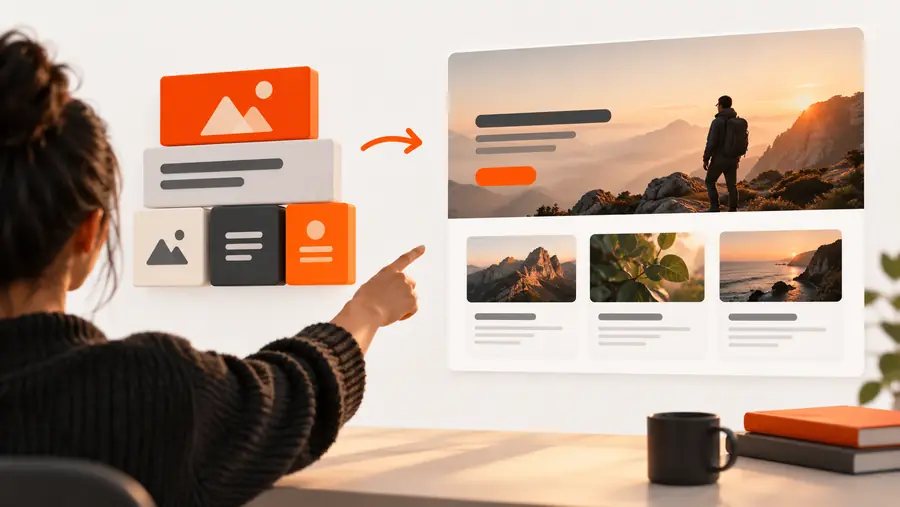 One testable result
Replit can support practice, but it does not replace judgment, instruction, testing, or responsibility for the code you use.
A generated explanation may skip assumptions or use vocabulary you have not learned yet.
Workaround
Ask for one concept at a time, then rewrite the explanation in your own words.
A project may run while still handling edge cases poorly, exposing data, or producing an incorrect result.
Workaround
Test normal and unusual inputs, read the code, and avoid treating output as proof.
Opening a workspace is not the same as building a consistent practice habit.
Workaround
Set a small weekly goal and keep a record of what you changed and understood.
Submitting code or explanations you do not understand can undermine learning and violate classroom or workplace rules.
Workaround
Check your institution's expectations and be ready to explain every important part.
The best beginner workflow is deliberate: use assistance to get unstuck, inspect the result, and keep ownership of the decisions.
Give Replit a small, specific goal and use the result as something to inspect rather than something to accept blindly. Start with one workflow, test it, and make the next change only after you understand the current one.
Start a beginner projectThese answers address the questions beginners commonly face when deciding how to teach themselves to code with a guided workspace.
Choose one small project, learn only the concepts needed for its next step, and test each change as you go. Repeating that loop gives you practice with both problem solving and debugging instead of only watching tutorials.
It can be a practical place to begin because the workspace keeps coding and running a project close together. Beginners still need to read the code, ask questions about unfamiliar parts, and verify that the result behaves as intended.
Start with a project that has one clear input and one clear output, such as a quiz, calculator, greeting tool, or short text game. A small finished project usually teaches more than a large project with many unfinished features.
Reduce the problem to the smallest failing example, read the error message carefully, and change one thing at a time. If you use an assistant, ask it to explain the specific error and show a focused correction rather than requesting an entire replacement project.