New developers
A learner wants to practice a programming language without spending the first session configuring a machine.
They can focus on understanding files, syntax, execution, and debugging in a single browser workspace.
Replit for beginnersPlatform basics
What is Replit? It is a browser-based development workspace where you can write, run, and share software projects without setting up a complete local environment first. Replit brings the editor, runtime, files, and collaboration tools into one online place.

The basic flow
A project moves from an idea to runnable software inside one connected workspace.
Choose a project type or begin with a blank workspace. The project opens with files, an editor, and the tools needed for its selected programming environment.
Edit files in the browser, then run the project in its connected runtime. Output, errors, and previews help you inspect what the code is doing as you iterate.
Keep the project available online, invite collaborators, or share a working result when the project is ready. The same workspace remains the place for later changes.
Continue exploring
These focused guides explain the main ways people approach the platform.
A useful distinction
Replit and a traditional local setup can both support software development, but they place different responsibilities on the developer.
Where it runs
Replit workspace
In an online development workspace accessed through a browser.
Traditional local setup
On a computer using locally installed tools and runtimes.
Initial setup
Replit workspace
The workspace provides a ready project context with files and a runtime.
Traditional local setup
The developer installs and configures an editor, language tools, and dependencies.
Editing
Replit workspace
Code is edited in the browser from a connected project workspace.
Traditional local setup
Code is edited in a desktop editor or an installed integrated development environment.
Execution
Replit workspace
The project runs through the workspace's available online environment.
Traditional local setup
The project runs through runtimes and commands configured on the developer's machine.
Collaboration
Replit workspace
A project can be shared as an online workspace for review or joint work.
Traditional local setup
Collaboration usually depends on version control, file sharing, and local setup consistency.
Best fit
Replit workspace
Useful for learning, prototypes, experiments, and projects that benefit from online access.
Traditional local setup
Useful when a team needs deep control over local tooling, infrastructure, or offline work.
People and projects
The platform can serve different roles because the same workspace connects learning, experimentation, and practical application building.
A learner wants to practice a programming language without spending the first session configuring a machine.
They can focus on understanding files, syntax, execution, and debugging in a single browser workspace.
Replit for beginnersA class needs a shared place to distribute exercises, inspect code, and demonstrate running programs.
An online workspace can reduce setup differences between student computers and make examples easier to revisit.
Replit free for studentsA small team wants to test an idea, make a functional demo, or review an early application together.
The team can iterate around one project context before deciding how much production infrastructure it needs.
Replit app examplesA developer wants to experiment with a script, web interface, or small service from an accessible online environment.
The project can be developed and tested without requiring every experiment to begin as a fully configured local repository.
Replit PythonA simple mental model
 Start with a workspace
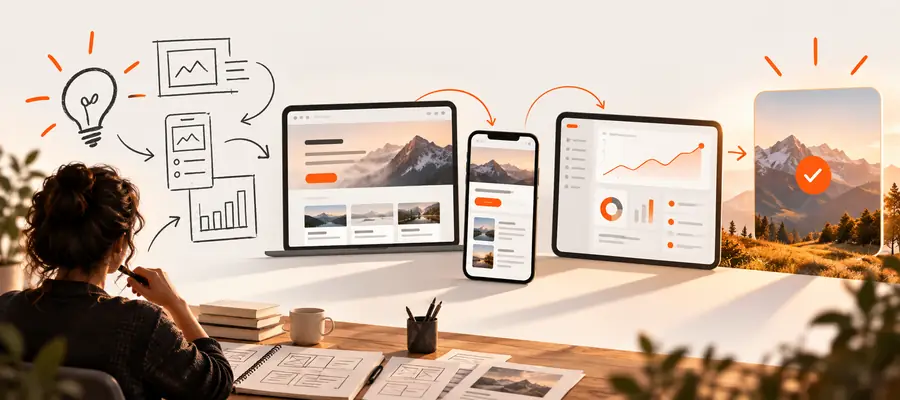 Iterate on a working project
Put the idea into practice
A definition is useful when it helps you choose the right workflow. Use the platform to explore code, test a small idea, or understand how an online development environment compares with the tools already on your computer.
Try ReplitCommon questions
Replit is an online development workspace for creating and running software projects through a browser. It brings project files, code editing, execution, and sharing into a connected environment.
You open or create a project, edit its files in the browser, and run the code through the workspace's available environment. The result can then be inspected, changed, and shared from the same project context.
It can serve both roles within a broader development workspace. You can edit code, run it, inspect output, and manage the surrounding project rather than using an editor or compiler in isolation.
It can be useful for learners, educators, developers, and teams building prototypes or experiments. The online format is especially relevant when reducing local setup work or sharing a project matters.